Scoping automation
You started automating something, and now it's just sitting there half-done
There's a tab open somewhere with a workflow you built. It worked in the demo. Then a job went sideways, you got pulled onto the phone, and you never came back to it. It's still there, half-connected, doing nothing.
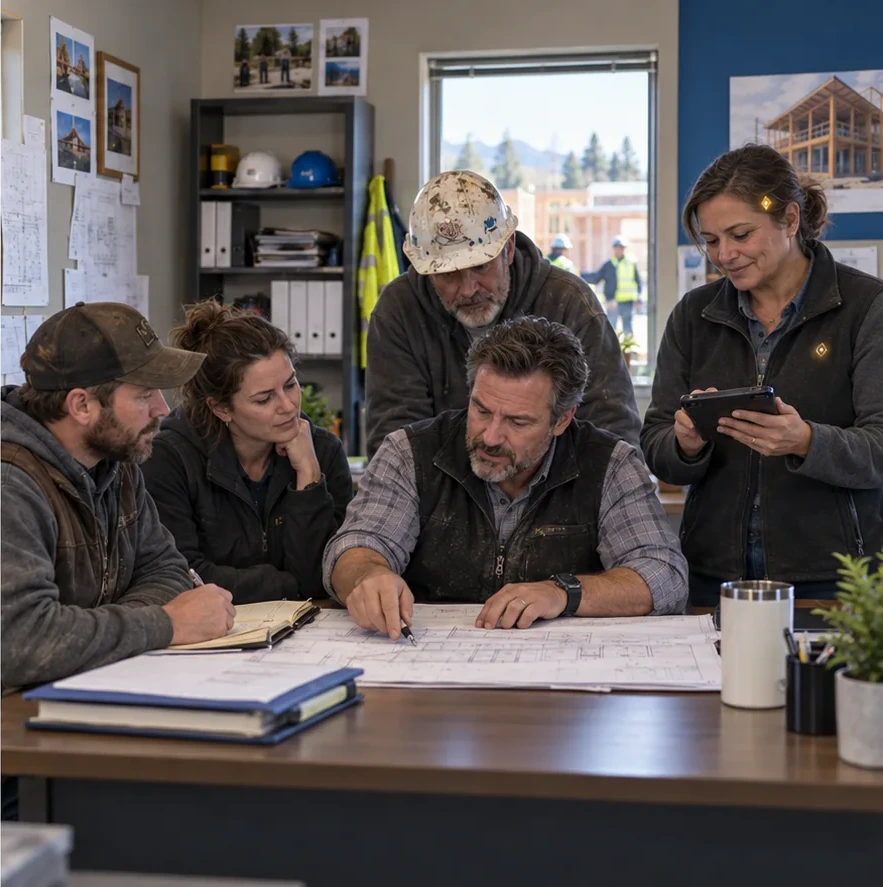 With ByTomorrow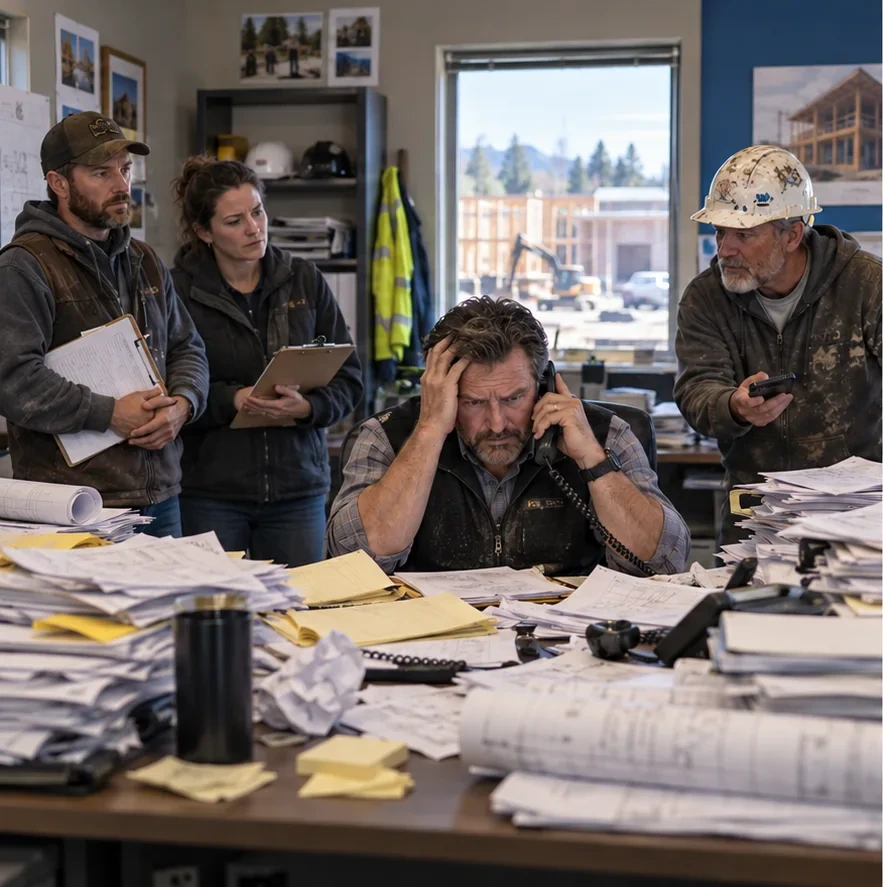
What goes wrong
Why these projects stall, and it's usually not the tool
The scope was the whole business
Most stalled projects started as a rewrite of how everything works. Intake, scheduling, invoicing, follow-up, all at once. That kind of project has no natural finish line, so there's never a moment where you can stop and call it done. It just gets set down.
You are the only person who knows how the work actually flows
In an owner-operated company, the process lives in your head. Nobody else can describe the exceptions, the customers who get special handling, the reason step two happens before step one on certain jobs. So every decision routes through the busiest person in the building, and the project moves at the speed of your free hours.
The real data is messier than the plan assumed
Automation touches your records, and your records have gaps. Duplicate contacts. Notes in the wrong field. Jobs logged under a nickname. The build hits that mess, stops being predictable, and cleaning it up feels like a separate project you didn't sign up for.
Nobody owns it once it's running
A workflow that nobody checks quietly breaks. A form field gets renamed, a login expires, a notification goes to someone who left. Without one named person who looks at it, the thing degrades until people stop trusting it and go back to the old way.
What to do instead
What changes when you scope small
You pick one thing that has an end
Choose a single job that starts and stops in a defined place. One handoff. One recurring message. One list that has to stay current. When the scope has edges, the project can be finished, and finishing is what builds momentum for the next one.
Your involvement gets bounded up front
Decide before anything is built what you personally need to answer, and get it out of your head in one sitting. A recorded walkthrough of how the task actually happens, exceptions included, is worth more than a series of interruptions across weeks.
The old way stays available while the new way proves itself
Nothing gets ripped out on day one. The manual path stays open until the automated one has run through a normal stretch of real work, including the weird jobs. That removes the pressure to get it perfect before it goes live.
Someone checks on it, on purpose
Before you call it done, name who looks at it and what they look at. A short check on a regular rhythm catches expired logins and silent failures early, while they are still small and boring to fix.
How to scope it
A way to scope one project so it finishes
- 01
Write down the task that annoys you most this week
Not the biggest problem in the business. The one that made you sigh recently. Small and irritating beats large and important, because small and irritating is specific enough to describe in a paragraph.
- 02
Say where it starts and where it ends
Name the trigger and the finish. Something arrives, something goes out, someone gets told. If you can't state both ends in a sentence, the scope is still too wide and needs to be cut down.
- 03
List the exceptions out loud
Walk through the last handful of times the task went differently than usual. Those exceptions are the whole difficulty of the project. Naming them early is what keeps the build from stalling later when one shows up unexpectedly.
- 04
Check whether the data it needs is trustworthy
Look at the actual records the automation will read. If names, contacts, or job details are inconsistent, decide now whether you clean them, narrow the scope to avoid them, or accept that a human reviews the output.
- 05
Decide what done looks like before anything is built
Write the sentence you'll be able to say when it's finished. Something plain, like nobody has to retype this anymore. That sentence is your stopping point, and it keeps the project from quietly expanding.
- 06
Name the person who checks on it
Pick who owns it after launch and what they glance at. If the honest answer is you, keep the check small enough that you'll actually do it on a busy week.
Questions
Straight answers.
How small should a first automation project be?
Small enough that you could describe it fully in one paragraph. One trigger, one outcome, one handoff. A first project's real job is to finish, because a finished project teaches you how your own business behaves under automation. Ambitious scopes tend to be the ones still sitting half-built.
Why do automation projects stall halfway through?
Usually because the scope had no natural end and the only person who could answer questions was the owner. Both problems compound. Add messy records and no named owner after launch, and the project drifts until it's abandoned rather than cancelled.
Should I clean up my data before automating anything?
Not all of it, and not first. Clean only the fields the specific automation touches. A general cleanup project is its own trap, because it also has no finish line. Narrow the scope so it avoids your messiest records, or put a human review step in front of the output.
Do I have to be involved, or can someone just build it for me?
You have to be involved, but only briefly and at the right moment. In an owner-operated company, the process and its exceptions live in your head, and no build survives without them. The fix is to get that knowledge out in one concentrated session instead of dribbling it out through interruptions.
How do I know when an automation project is actually done?
You wrote the finish line down before the build started, and now you can say that sentence honestly. Without that sentence, projects expand quietly, because every working piece suggests one more piece. Deciding what done means is the part people skip.
What happens if the automation breaks and I don't notice?
That's why one person is named as the owner before launch. Workflows fail quietly, usually because a login expired or a field got renamed. A short regular check catches it while it's still a small fix, and keeping the manual path available for a while means the work doesn't stop either way.
If you'd rather talk it through than plan it alone
Scoping is the part that's hard to do from inside the business, because you know the work too well to see where it starts and stops. A conversation can help you cut one project down to something with edges. Bring the task that annoyed you most this week.
Related guides
Keep reading.
How to write a phone intake script for a home-services business
A fill-in phone intake script for contractors and home-service businesses: what to ask first, what to read back and how to end the call.
How to book across time zones without confusing customers
Confirm the date, time and named zone for each participant and test seasonal changes instead of assuming a fixed time difference.
How to compare voicemail with structured callback intake
Compare voicemail and structured callback intake by what staff can retrieve, verify and act on, using the same sample requests.